
What it costs
A month of books at 100 transactions
Does not apply
No plan keeps a full set of books
Checked against the maker's own pages, 27 October 2026.
Veryfi Expense Management price and plans
Prices excluding tax, as Veryfi Expense Management publishes them.
Free
Free
Keeps no full set of books
- Flat fee
Paid
$19.99 per user a month
Keeps no full set of books
- Flat fee
Custom
Free
Through sales
- Flat fee
Where these prices come from
veryfi.com/plans-pricing, checked
What we checked on Veryfi Expense Management
Cost for a solo freelancer
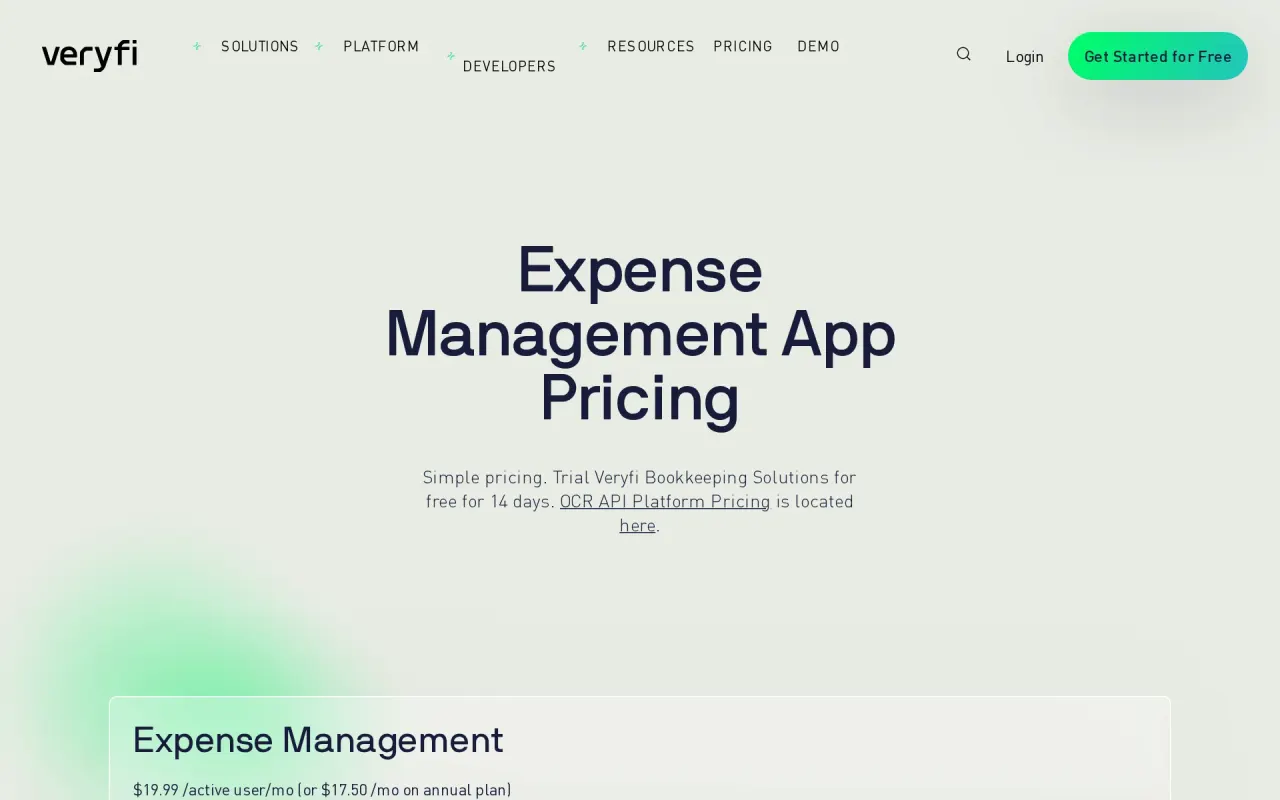
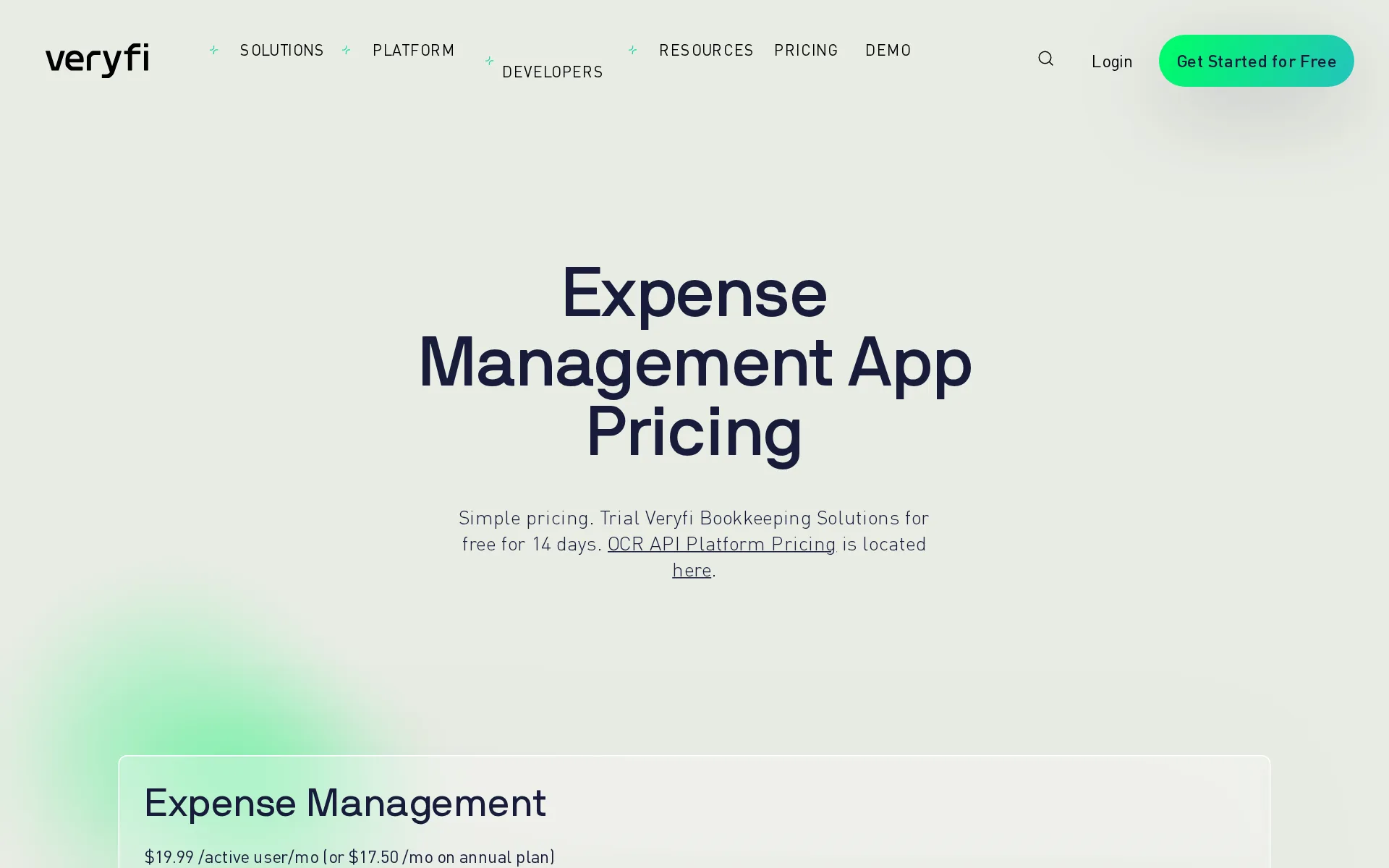
One person pays $19.99 a month billed monthly, or $17.50 a month on the annual plan, with bank feeds and receipt capture both in that paid plan.
$19.99 /active user/mo (or $17.50 /mo on annual plan)
veryfi.com/plans-pricingChecked
Promotion and regular price
none. The published figure is the standing rate; the only time-limited thing on offer is a 14-day free trial, not a discounted opening price.
Simple pricing. Trial Veryfi Bookkeeping Solutions for free for 14 days.
veryfi.com/plans-pricingChecked
Ledger included
Veryfi is not the ledger itself: it captures documents and then syncs the expense data into QuickBooks or Xero, which you pay for separately.
Sync your Inbox of expenses directly to your favorite accounting software like QuickBooks or Xero.
What the price is based on
The paid plan is priced per active user per month, so the bill follows how many people on the team actually file expenses.
$19.99 /active user/mo billed monthly
veryfi.com/full-featuresChecked
Users included
Each seat is bought separately: the plan covers one active user and the vendor states every additional user costs the same $19.99 a month.
Unlimited Teams Any additional user costs $19.99/mo
veryfi.com/full-featuresChecked
Past your plan’s limits
The paid plan caps documents at 300 a month and the vendor's only published remedy is to email support; no overage rate or automatic upgrade is stated.
Yes. 300 documents / mo. If you need more, please contact support@veryfi.com
veryfi.com/plans-pricingChecked
Setup or onboarding fee
No setup or onboarding fee appears anywhere in the plan table; the vendor only flags professional services as a separate extra cost.
Professional Services & Support Professional services available at an extra cost
veryfi.com/full-featuresChecked
What the AI does
Its AI pulls vendor, totals, tax and line items out of receipts, bills and invoices in about three seconds, with no person in the loop.
3 seconds. No waiting or processing queues, instant data extraction without templates, vendor identification from logos, trained tax categorization…
veryfi.com/plans-pricingChecked
What the AI costs
included. Reading documents in real time is part of the paid plan's price rather than an add-on or a credit pack, and the free plan does not get it.
Real-Time Document Extraction (OCR)
veryfi.com/full-featuresChecked
Categorizes transactions
It categorizes expenses for tax and applies machine learning plus your own rules on the paid plan, but the vendor does not say it learns from each correction.
Machine Learning & Rules
veryfi.com/full-featuresChecked
Reconciles your accounts
You connect a bank or card and match each statement line to its receipt in the hub, excluding transfers; the vendor recommends doing it daily.
Connect your Bank or Credit Card account and Veryfi will match your receipts, bills and invoices to the corresponding transactions from on a bank or…
Reads receipts and bills
Photograph a receipt in the mobile app or forward a bill by email, and the AI reads it and matches it against the connected bank transaction.
Connect your bank or credit cards in the Veryfi Expense Management App and watch Veryfi AI reconcile the transactions against your Receipts…
Pays your bills
It fetches and reads bills but the plan table lists no approval routing or payment step; paying suppliers happens outside Veryfi.
Blazing Fast Data Extraction: OCR Receipts, Bills & Invoices in Seconds!
veryfi.com/plans-pricingChecked
Sends invoices
The product reads incoming invoices rather than issuing them; the full feature comparison contains no sending of invoices or matching of customer payments.
Receipt & Invoice Scans
veryfi.com/full-featuresChecked
Accrual books and reports
Reporting is expense reports and exports, not a monthly profit and loss, balance sheet and cash flow statement on an accrual basis.
Run a standard expense report or a more complex report across your teams. Identify expenses, payments and revenue .
People check the books
The vendor makes a point of it: extraction is fully machine powered and nobody at Veryfi reviews or sees your documents.
Veryfi is 100% automated, with no humans in the loop gaining unauthorized access to your data.
veryfi.com/securityChecked
Your own bookkeeper
No bookkeeper is provided at all; a dedicated account manager exists only on the Custom plan sold through sales, not on the paid plan.
On the page: Plan comparison table, SUPPORT section, row marked PAID no and CUSTOM yes
veryfi.com/full-featuresChecked
Your accountant can sign in
The paid plan includes inviting your accountant or bookkeeper into the portal to collaborate, listed as its own feature row.
Collaborate with your accountant, bookkeeper, or tax professional by inviting them to collaborate directly into your Veryfi portal.
Accuracy the vendor claims
The vendor claims 99.9% extraction accuracy on its real estate solution page but publishes no method, sample or date behind that figure.
Extract data automatically from receipts, invoices, bills, and more with 99.9% accuracy.
veryfi.com/securityChecked
QuickBooks Online
The paid plan connects QuickBooks Online, QuickBooks Desktop by connector or IIF file, and Xero
On the page: Plan comparison table, ACCOUNTING INTEGRATIONS section rows
veryfi.com/full-featuresChecked
Xero
The paid plan connects QuickBooks Online, QuickBooks Desktop by connector or IIF file, and Xero
On the page: Plan comparison table, ACCOUNTING INTEGRATIONS section rows
veryfi.com/full-featuresChecked
QuickBooks Desktop
The paid plan connects QuickBooks Online, QuickBooks Desktop by connector or IIF file, and Xero
On the page: Plan comparison table, ACCOUNTING INTEGRATIONS section rows
veryfi.com/full-featuresChecked
NetSuite
no NetSuite connection is listed in that table.
On the page: Plan comparison table, ACCOUNTING INTEGRATIONS section rows
veryfi.com/full-featuresChecked
Bank and card feeds
You link a bank or card in the hub and transactions arrive automatically through Envestnet Yodlee, with up to 48 hours for the first download.
Q: Who provides your backend bank connection? A: Envestnet | Yodlee. Same company used by Xero and 90% of accounting products in the US.
Stripe
Stripe, Shopify, PayPal, Square and Gusto are not among them.
On the page: Plan comparison table, CLOUD STORAGE and PRODUCTIVITY INTEGRATIONS sections
veryfi.com/full-featuresChecked
Shopify
Stripe, Shopify, PayPal, Square and Gusto are not among them.
On the page: Plan comparison table, CLOUD STORAGE and PRODUCTIVITY INTEGRATIONS sections
veryfi.com/full-featuresChecked
PayPal
Stripe, Shopify, PayPal, Square and Gusto are not among them.
On the page: Plan comparison table, CLOUD STORAGE and PRODUCTIVITY INTEGRATIONS sections
veryfi.com/full-featuresChecked
Square
Stripe, Shopify, PayPal, Square and Gusto are not among them.
On the page: Plan comparison table, CLOUD STORAGE and PRODUCTIVITY INTEGRATIONS sections
veryfi.com/full-featuresChecked
Gusto payroll
Stripe, Shopify, PayPal, Square and Gusto are not among them.
On the page: Plan comparison table, CLOUD STORAGE and PRODUCTIVITY INTEGRATIONS sections
veryfi.com/full-featuresChecked
Payroll
integration. Payroll is not built in and is not sold as an add-on; the only payroll route listed is a connection to Rippling.
Rippling Payroll
veryfi.com/full-featuresChecked
Moves you off QuickBooks Desktop
QuickBooks Desktop is supported for sending documents out by connector or IIF file, but no import of desktop history is described or priced.
We'll show you how to collect receipts and bills using the Veryfi mobile app and then send them to your QuickBooks Desktop account.
veryfi.com/quickbooksChecked
Platforms
web, ios, android. The paid plan opens the hub web portal and the native iPhone and Android apps are included at no extra cost.
Mobile Apps for your Team (iOS & Android)
veryfi.com/plans-pricingChecked
Getting your books out
You can export expense data as PDF or CSV with the original documents and as IIF files, but there is no full ledger to take with you.
On the page: Plan comparison table, UNLIMITED REPORTING section rows
veryfi.com/full-featuresChecked
Files your tax return
It helps meet tax obligations by capturing deductible spending, but the feature table contains no preparation or filing of any income tax return.
Meet your tax obligations, maximize tax deductions, and automate your bookkeeping today!
Calculates sales tax
It reads the tax printed on a document and applies trained tax categorization, but it does not calculate sales tax owed on your own sales by state.
instant data extraction without templates, vendor identification from logos, trained tax categorization
veryfi.com/plans-pricingChecked
Files sales tax
No filing or payment of sales tax returns appears in the plan table or on any product page; the tool only records tax it reads on documents.
Line-Item Extraction for Job Costing, Policy Enforcement, Product Insights et al.
veryfi.com/plans-pricingChecked
Inventory
It captures product codes from each document for insight, but keeps no stock quantities and no cost of goods sold.
Yes. However the expense app is limited to 10 SKUs/line-items per document.
veryfi.com/plans-pricingChecked
Other currencies
The capture engine handles 89 currencies and 39 languages, so receipts picked up abroad are read in their own currency.
Instantly capture from 110+ line item data fields, 39 languages, 89 currencies.
Billable time
Tracking time and scheduling employees is marked unavailable on both the free and paid plans and reserved for the Custom plan sold through sales.
Track Time & Schedule Employees
veryfi.com/full-featuresChecked
Profit by project or job
The paid plan tracks projects and customers, and line-item extraction is sold specifically for job costing against those projects.
On the page: Expense Management plan card, Features list
veryfi.com/plans-pricingChecked
SOC 2 report
The platform is SOC 2 Type 2 certified and the report is shared on request, but only through an account manager rather than a self-serve trust page.
Upon request, a SOC 2 Type 2 report will outline how Veryfi safeguards customer data. Please contact your account manager to request this report.
veryfi.com/securityChecked
Your data trains AI
The vendor says it trains its own models in-house on millions of documents and never shares data, but publishes no opt-out for your own documents.
Our security-cleared machine learning experts conduct all model training behind multiple layers of encryption and access controls, on air-gapped…
veryfi.com/securityChecked
For accounting firms
Accountants get a client management portal and self-serve billing on the paid plan, but co-branding is reserved for the Custom plan from sales.
As an Accountant, Bookkeeper or Controller you can easily manage multiple projects and customers using the Client Management Portal.
Several businesses
Three profiles are included on the paid plan and each extra one costs a dollar a month, requested by form rather than switched on yourself.
Multiple Profiles 3 included. Request +1 for +$1 at support@veryfi.com
veryfi.com/full-featuresChecked
Free trial or free plan
There is a standing free plan of 10 receipts a month, and a 14-day trial of the paid plan that needs no card or signature.
When we say free, we mean free. No credit card, contract, or signature required.
veryfi.com/plans-pricingChecked
Sign up without a sales call
You sign up and start on the published plan without talking to anyone; only the Custom plan and volume discounts need an email to the vendor.
At the end of your 14-day trial, simply enter your credit card information and select the products you want to subscribe to
veryfi.com/plans-pricingChecked
Support
Support is email, with a private Slack channel and service levels only on request; no phone line or published support hours exist.
Email (support@veryfi.com) Private Slack Channel (available upon request) SLA Options (available upon request)
veryfi.com/plans-pricingChecked
Veryfi Expense Management alternatives
All 9 alternatives6 more alternatives
5 of the 9 publish a price.
- StampliOn quoteProcure-to-pay workspace for invoices, vendors, payments and card spend, with AI coding and routing.
- PilotNo list priceA bookkeeping and tax service for startups that pairs software-driven dashboards with human financial advisors.
- Booke AINo list priceAn AI bookkeeper that works inside QuickBooks Online and Xero to categorize transactions and match documents.
- SimpleAIFrom $79 a monthAI agents that extract, classify and reconcile accounting documents, then publish them into Xero or QuickBooks.


Sources and changes
Last changed
Sources on veryfi.com6
What changed on this page1
- Bookkeeping features, free plan, plan limits, prices, terms
Is this yours?
Make it yours for free, then check who reads this page, marked as verified. You confirm it with an email at veryfi.com.
Report an error if a fact is wrong.