
Manager.io in our research
What it costs
A month of books at 100 transactions
$0
a month at 100 transactions, on Desktop Edition
Checked against the maker's own pages, 5 November 2026.
Manager.io price and plans
Prices excluding tax, as Manager.io publishes them.
Desktop Edition
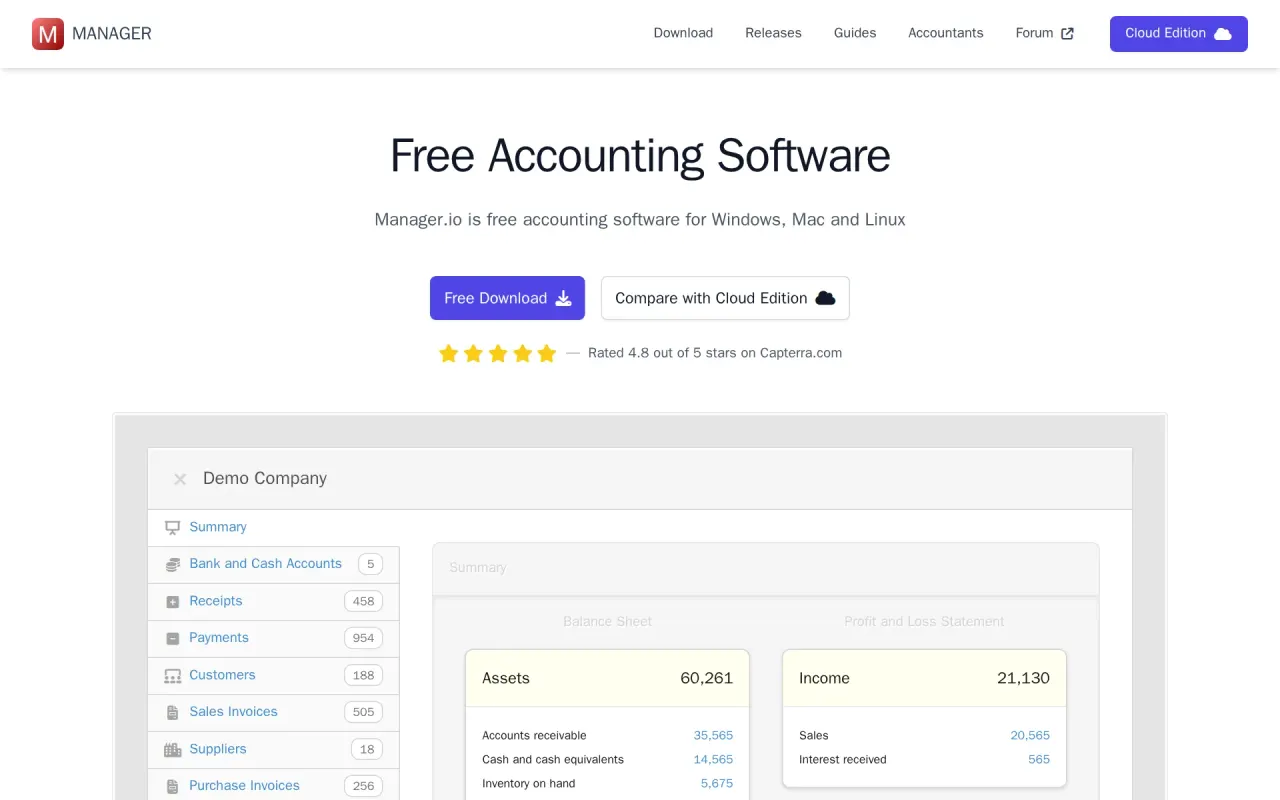
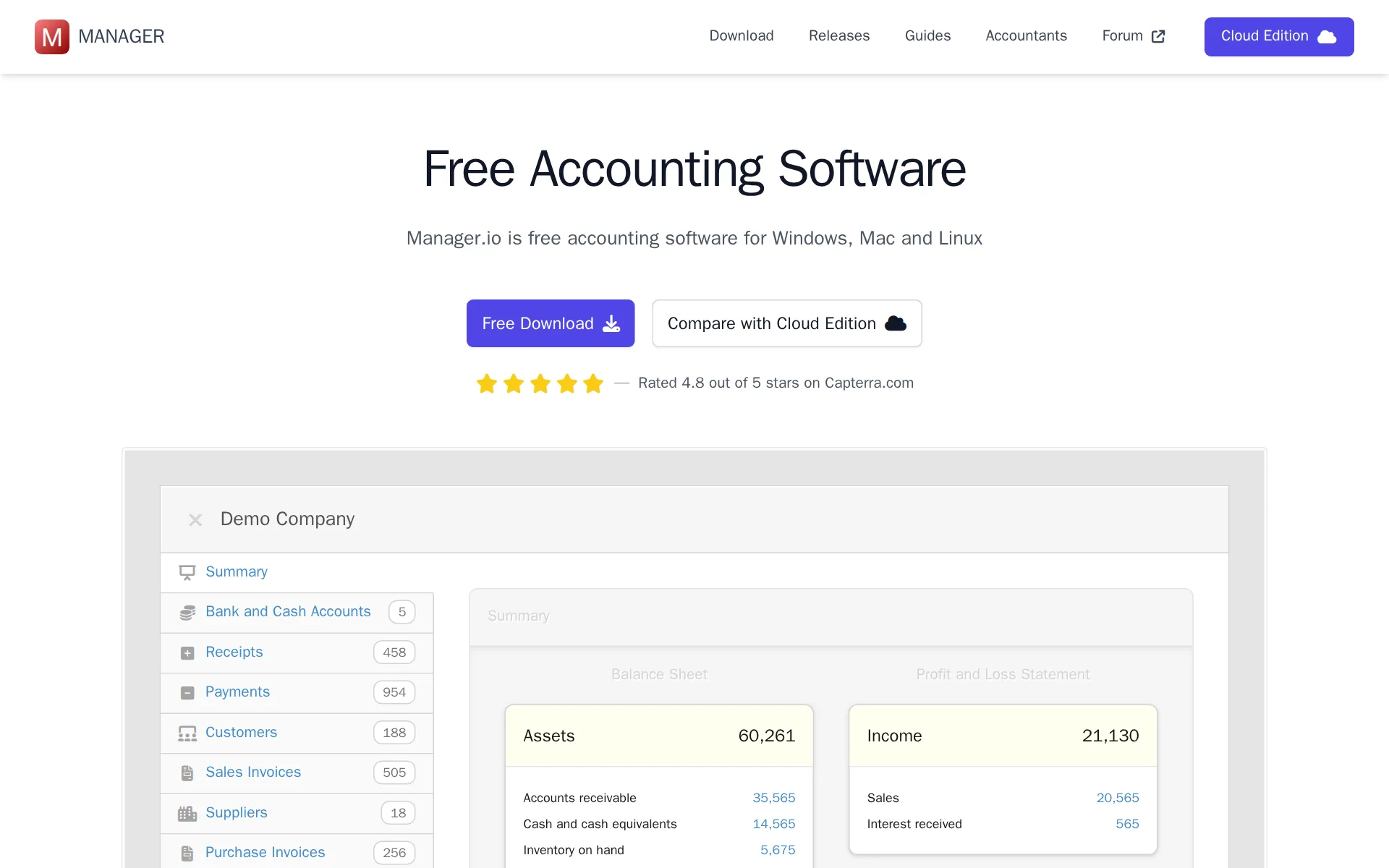
Free
- Flat fee
Cloud Edition
$59 a month
- Flat fee
Where these prices come from
manager.cloud, checked
What Manager.io costs at your volume
| Transactions a month | Cost | Plan |
|---|---|---|
| 100 transactions | $0 a monthon Desktop Edition | Desktop Edition |
| 500 transactions | $0 a monthon Desktop Edition | Desktop Edition |
What we checked on Manager.io
Cost at 100 transactions a month
$0 a month on Desktop Edition for 100 transactions.
You can use the program for as long as you like, use all the features and enter as much data as required. There are no time limits, no usage limits,…
Cost at 500 transactions a month
$0 a month on Desktop Edition for 500 transactions.
On the page: Free Forever section
Cost for a solo freelancer
One freelancer pays nothing on the installed Desktop Edition, which is single-user and free forever; the hosted Cloud Edition is 59 USD a month.
No internet connection required. Fully-featured and free forever.
manager.io/downloadChecked
Promotion and regular price
none — the first price shown is the standing rate, and the vendor says in its pricing FAQ that it runs no discounts at all, so nothing steps up later.
We strive to price our services fairly and transparently for all our customers, which is why we do not offer discounts.
manager.cloudChecked
Ledger included
It is the accounting ledger itself: you keep your books, run the reports and reconcile inside Manager, with no QuickBooks or Xero subscription underneath it.
The complete Manager feature set — invoicing, bank reconciliation, reports and more.
manager.cloudChecked
What the price is based on
Flat: one price per cloud server, not per user, per business or per transaction, so the bill does not move as the books get busier.
One flat price per cloud server covers unlimited users and unlimited businesses on that server.
manager.cloud/terms-of-useChecked
Users included
Every paid cloud server includes unlimited users at no extra charge, and the vendor states plainly that five or fifty costs the same.
No. We don't charge you based on how many users or businesses you add. 5 or 50, the price is the same.
manager.cloudChecked
Setup or onboarding fee
The published rate card lists only the recurring monthly or annual fee and states there are no per-user or per-business fees; no onboarding charge appears anywhere on it.
No per-user pricing or fees No per-business pricing or fees
manager.cloudChecked
Notice before a price rise
The terms promise to tell you before a price change takes effect and let you cancel, but they name no notice period in days or months.
We may change prices. If we do, we will tell you before the change takes effect on your subscription, and you can cancel if you don't want to…
manager.cloud/terms-of-useChecked
Categorizes transactions
Bank rules categorize imported bank and card transactions automatically by keyword, more specific rules first; the guides do not say it learns from your corrections.
Bank rules automate the categorization of imported bank transactions, saving time and ensuring consistency in your bookkeeping.
manager.io/guides/bank-rulesChecked
Reconciles your accounts
A Bank Reconciliations tab matches your Manager records to each statement and shows the discrepancy per account; you run each reconciliation yourself.
The Bank Reconciliations tab helps you verify that your bank account records in Manager match your actual bank statements.
Reads receipts and bills
Receipt and bill files can be attached to the transaction they belong to and managed from one Attachments screen; nothing says the software reads the figures off them.
The Attachments tab provides a centralized view of all files attached to transactions throughout your business.
Pays your bills
Supplier bills are entered as purchase invoices and settled from the Payments tab, and payment rules categorize outgoing money; no approval routing or paying a bill through the software is documented.
Payment Rules - Automatically categorize money going out of your bank accounts:
manager.io/guides/bank-rulesChecked
Sends invoices
You raise sales invoices, each adding to Accounts Receivable, send them to customers and track payment status, overdue days and aged receivables.
Each invoice increases the customer's balance in Accounts Receivable, representing money they owe you.
Accrual books and reports
Standard reports include a profit and loss statement, balance sheet and cash flow statement, alongside a trial balance and the ledger detail reports.
Financial statements such as Profit and Loss Statement, Balance Sheet, Cash Flow Statement, and Statement of Changes in Equity provide a complete…
manager.io/guides/reportsChecked
Your accountant can sign in
Unlimited users are included at no extra charge, so inviting your accountant costs nothing, and you can restrict which businesses they see.
If you have many businesses, you can also specify which businesses are visible to which users. Great for accountants with many clients.
manager.cloudChecked
Bank and card feeds
Bank accounts can be connected to an FDX-compatible bank feed provider for automatic imports, though you must first set that provider up yourself; statement files also import.
Connect your bank accounts to FDX-compatible bank feed providers for automatic transaction imports.
Payroll
built in — Employees and Payslips tabs record gross pay, deductions, employer contributions and net pay, with payroll reports, at no extra cost.
The Payslips tab helps you manage employee payroll and generate detailed payment records.
manager.io/guides/payslipsChecked
Platforms
web, windows, mac: the Cloud Edition runs in a browser on desktops, tablets and phones, and the free desktop build installs on Windows, Mac and Linux. No native phone app is described.
Use on desktops, laptops, tablets and phones — anywhere with remote access.
manager.cloudChecked
Getting your books out
You can download the whole business file at any time, and the portal keeps working after a subscription lapses so the data can still be pulled and reopened in the free desktop edition.
The accounting data you put into your cloud server is yours. You can download all of it at any time, and we suggest you do so before you cancel or…
manager.cloud/terms-of-useChecked
Calculates sales tax
You define tax codes with their rates and apply them to invoices, purchases, receipts and payments, with Tax Summary and Tax Reconciliation reports showing what is owed; rates are yours to set, not supplied per state.
You can apply tax codes to sales invoices, purchase invoices, receipts, payments, and most other transaction types where tax is relevant.
manager.io/guides/tax-codesChecked
Inventory
An Inventory Items module tracks quantities owned, on hand, reserved and on order with average and total cost, and the reports include inventory value, quantity and profit margin.
By default, when you use the Inventory Items tab, all inventory purchases will debit your Inventory on Hand asset account and all inventory sales…
Other currencies
You set a base currency and add as many foreign currencies and exchange rates as you need, on every edition, with no higher plan required.
This feature is essential for businesses involved in international activities, enabling you to establish a base currency and add multiple foreign…
manager.io/guides/currenciesChecked
Billable time
A Billable Time tab records hours against a customer, leaves them marked uninvoiced until you pull them onto a sales invoice, and lets you write off unbillable time.
The Billable Time tab helps businesses track time spent on client work for invoicing purposes.
Profit by project or job
Projects show income, expenses, profit and committed purchase orders per contract or job, and Divisions give the same split for permanent segments, on every edition.
The Projects tab helps you track income, expenses, and profitability for individual contracts, customer relationships, or specific work clusters.
manager.io/guides/projectsChecked
Your data trains AI
The privacy policy states outright that the accounting data in your cloud server is not used to train anything, so there is nothing to opt out of.
We do not sell or rent your information, we don't use it for advertising, and we don't use your accounting data to train anything.
manager.cloud/privacy-policyChecked
For accounting firms
One flat price covers unlimited client businesses with per-user visibility, your logo on the login screen, and a listing in the public accountants directory for cloud users.
To ensure the integrity and quality of our directory, only accountants who use cloud edition with their clients are eligible to be listed.
manager.io/accountantsChecked
Several businesses
Unlimited businesses sit in one account on the same flat price, so each extra entity adds nothing to the bill, and user access can be set per business.
On the page: Simple, Flat Pricing card, first bullet under the 59 USD price
manager.cloudChecked
Australia
It is sold worldwide — billing in USD, CAD, AUD, EUR, GBP, NZD and SGD, hosting in six regions — but tax rates are codes you create yourself rather than US, Canadian, UK or Australian tax built in.
When setting up a tax code, you specify the tax rate and configure how it applies to different types of transactions.
manager.io/guides/tax-codesChecked
Free trial or free plan
The installed desktop edition is free forever with all features and no data limits, and a cloud server can be trialed for 14 days without a card.
Yes. You can use the desktop edition for as long as you like, use all the features and enter as much data as required. There are no time limits, no…
manager.io/downloadChecked
Sign up without a sales call
You download the desktop edition or start a cloud server from the website with an email address, no card and no sales call anywhere in the flow.
14-day free trial. No credit card required.
manager.cloudChecked
Contract and cancelling
Billing is monthly or annual in advance with no lock-in: you cancel yourself in the customer portal, with no penalty and no notice period, running to the end of the paid period.
You can cancel at any time from the customer portal, with no penalty and no notice period.
manager.cloud/terms-of-useChecked
Support
Support is email only at support@manager.cloud, plus a public forum and the guides; no phone or chat is offered and no hours or response time are published.
Support is by email at support@manager.cloud. We help with the software and your account — we don't give accounting, tax or legal advice.
manager.cloud/terms-of-useChecked
Manager.io alternatives
All 9 alternatives- This spot is openBe the first tool people see on Manager.io's page.
- First on your rivals' pages
- Top of your category
- First in the home page list
- First in search results
- In comparisons and guides
7 more alternatives
All 9 publish a price.
- FreeAgentFrom about $26 a monthUK cloud accounting with HMRC filing, bank feeds and AI receipt capture, priced per business type.
- SimpleAIFrom $79 a monthAI agents that extract, classify and reconcile accounting documents, then publish them into Xero or QuickBooks.
- Zoho ExpenseFree, then $4 a seat a monthTravel, expense and corporate card management with Zia AI receipt capture, from $4 per user a month.
- Zoho BooksFree, then $20 a monthCloud accounting ledger with Zia AI, bank feeds, sales tax and 1099 e-filing, from $20 a month.


Sources and changes
Last changed
Sources18
- manager.cloud/
- manager.cloud/terms-of-use
- manager.io/download
- manager.io/
- manager.io/guides/bank-rules
- manager.io/guides/tax-codes
- manager.io/accountants
- manager.io/guides/attachments
- manager.io/guides/bank-reconciliations
- manager.io/guides/billable-time
- manager.io/guides/currencies
- manager.io/guides/fdx-connect-bank-account
- manager.io/guides/inventory-items
- manager.io/guides/payslips
- manager.io/guides/projects
- manager.io/guides/reports
- manager.io/guides/sales-invoices
- manager.cloud/privacy-policy
Similar in Free accounting software
See all in Free accounting software
- MelioBill pay and invoicing for US small businesses, with AI bill capture and QuickBooks, Xero and NetSuite sync.
- QuickBooks OnlineIntuit's cloud ledger, now with Intuit Intelligence agents that categorize, reconcile and flag errors.
- QuickBooks SolopreneurIntuit's one-person-business ledger: bank feeds, receipts, mileage and Schedule C tax readiness.
- SnapTaxYear-round quarterly tax estimates for 1099 workers, built from uploaded bank statements instead of a full ledger.


Is this yours?
Make it yours for free, then check who reads this page, marked as verified. You confirm it with an email at manager.io.
Report an error if a fact is wrong.