
What it costs
A month of books at 100 transactions
Does not apply
No plan keeps a full set of books
Checked against the maker's own pages, 26 October 2026.
Expensify price and plans
Prices excluding tax, as Expensify publishes them.
Submit
Free
Keeps no full set of books
- Flat fee
Collect
$5 per user a month
Keeps no full set of books
- Flat fee
Control, Pay-per-use
$36 per user a month
Keeps no full set of books
- Flat fee
Control, Annual
$18 per user a month
Keeps no full set of books
- Flat fee
What needs a higher plan
- Control
- Past your plan’s limits
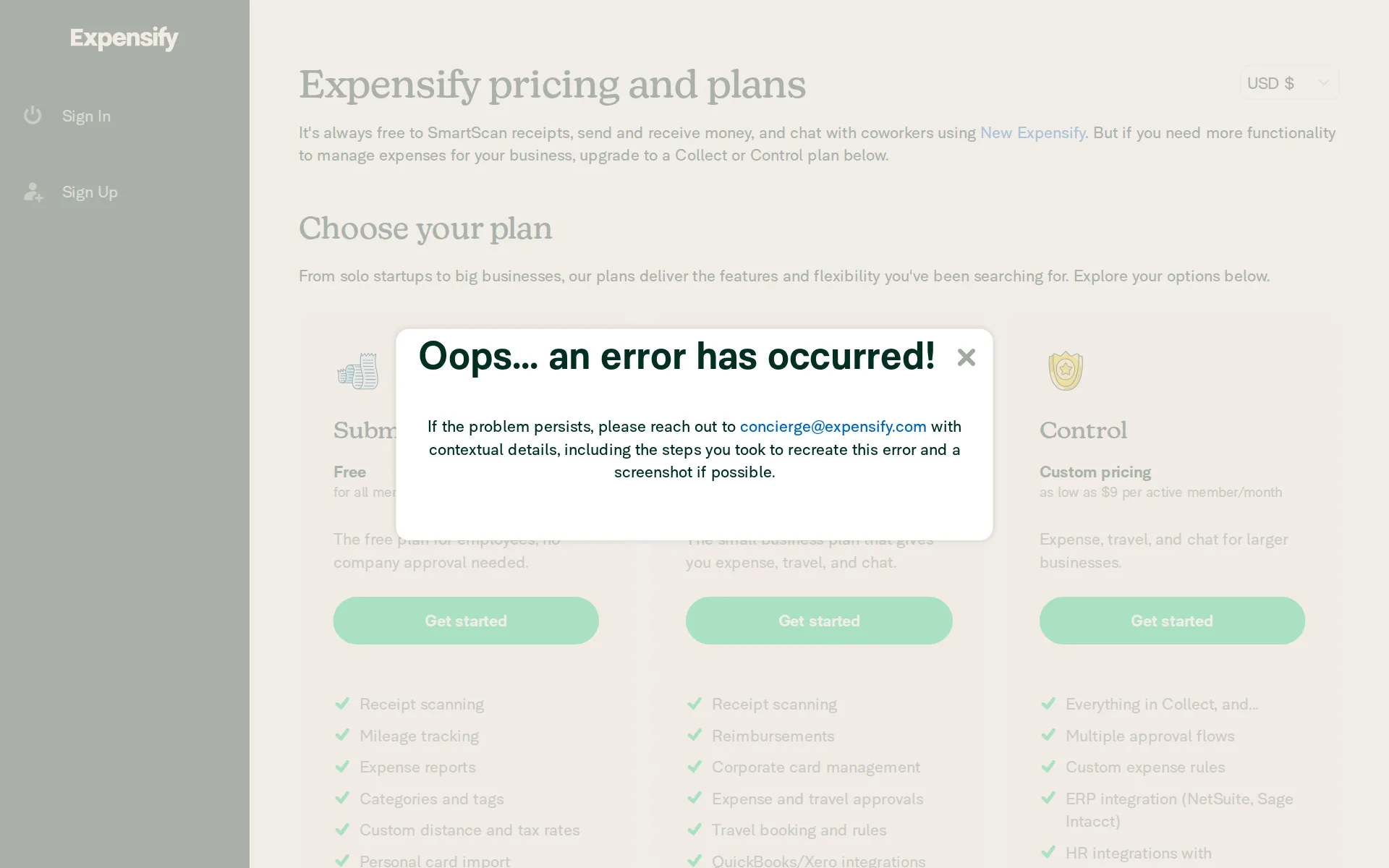
Pricing page, captured
expensify.com/pricing, checked
What we checked on Expensify
Cost for a solo freelancer
One person can run receipts, mileage and expense reports on the free Submit plan, and a paid workspace with reimbursements and accounting sync starts at $5 per member a month.
Most businesses start with our Collect plan at $5 per member per month, which includes core expense, travel, and chat features.
expensify.com/pricingChecked
Promotion and regular price
none - the $5 Collect rate is the standing published price, not a limited-time offer; the only time-limited element is a 30-day free trial that starts when a workspace is created.
Paid plans follow a 30-day free trial that begins when a workspace is created.
Ledger included
No accounting ledger is included: the vendor says plainly that this is spend and expense software that feeds a ledger you pay for separately, such as QuickBooks Online or Xero.
Expensify is not accounting software. It is a spend and expense management platform that connects to accounting software and ERPs, including…
What the price is based on
Billing is per person per month, not per transaction: Collect counts every unique member added to a workspace, while Control counts only members who were active that month.
Collect bills every unique member added to a workspace. Control bills every active member, meaning anyone who creates, submits, approves, reimburses,…
Users included
No seats are bundled; every member is charged, so one more person simply adds another $5 a month on Collect, or the Control rate on that plan.
Collect bills every unique member added to a workspace.
Past your plan’s limits
There is no transaction or account cap to pass; on a Control annual subscription, anyone active beyond the subscription size you committed to is simply charged at the higher pay-per-use rate.
If the number of active members exceeds your subscription size, each additional active member is billed at the Pay-per-use rate.
Setup or onboarding fee
The vendor states there are no setup, platform or implementation charges at all, and that no sales call is needed to buy a plan.
Pricing is published and self-serve. There are no platform fees, setup fees, or implementation fees, and no sales conversation is required to buy.
Notice before a price rise
The terms of service promise fifteen days' notice before the next billing cycle whenever the price of a service package changes.
Expensify reserves the right to change the prices for any service package with fifteen days' notice to you prior to the next billing cycle, unless…
expensify.com/termsChecked
What the AI does
Concierge AI categorizes spend from past behavior, creates and updates expenses, chases policy violations, answers spend questions with charts, and explains each action on request.
Concierge AI brings automated expense management to every transaction, categorizing by past activity and context, and creating or updating expenses…
What the AI costs
included - the vendor states the AI is not a module or add-on and carries no extra charge on either paid plan or the free one.
AI is not a separate module or a paid add-on. It runs throughout the platform and is included in every subscription.
Categorizes transactions
It codes card and receipt transactions automatically from your past activity and from merchant rules, and the vendor says it learns how you categorize and keeps doing it that way.
Concierge AI learns how you categorize expenses and handles it automatically moving forward.
Reconciles your accounts
It reconciles company card feeds against the card statement for a period so admins can tie out card activity, but it is not the ledger and does not reconcile bank accounts inside your books.
Company card reconciliation helps you match the transactions in Expensify to your card statement for a given period. This ensures the totals line up…
Reads receipts and bills
Photograph, email, text or upload a receipt and SmartScan reads merchant, date, total, currency and tax, codes the expense and matches it to the card transaction where one exists.
It codes the expense, matches it to the corresponding card transaction if available, and flags prohibited purchases at the line-item level
Pays your bills
Vendor bills forwarded to a workspace address are scanned, routed for approval and paid by ACH or card, then pushed to the accounting system as payables.
Just forward vendor invoices to Expensify and they're automatically scanned, categorized, and routed for approval. Once approved, you can pay vendors…
Sends invoices
You can send branded invoices, clients pay by card or bank transfer without an account, status is tracked live and the invoice exports to your accounting system as a receivable.
Invoice creation, delivery, and payment collection by card, ACH, or check, with realtime comment threads on the invoice itself. Invoices export to…
Accrual books and reports
It produces spend reports, not financial statements: the vendor says outright that it is not an accounting ledger, so the profit and loss, balance sheet and cash flow come from the ledger it feeds.
Expensify is not an accounting ledger, a tax filing service, a bank, or a credit issuer.
Your accountant can sign in
Accounting firms in the partner program get their own free account and a dashboard over client workspaces, but the vendor's pages do not say an outside accountant can be added to a single workspace without being billed as a member.
Free Expensify account for the partner
Accuracy the vendor claims
The vendor advertises 99% accuracy for its receipt scanning alongside duplicate and fraud detection, but publishes no method, sample or date behind that figure.
SmartScan at 99% accuracy with automated duplicate and fraud detection
QuickBooks Online
It connects to QuickBooks Online, QuickBooks Desktop, Xero, NetSuite, Sage Intacct and Oracle
Accounting and ERP integrations include QuickBooks Online, QuickBooks Desktop, NetSuite, Xero, Sage Intacct, and Oracle.
Xero
It connects to QuickBooks Online, QuickBooks Desktop, Xero, NetSuite, Sage Intacct and Oracle
On the page: Integrations section
QuickBooks Desktop
It connects to QuickBooks Online, QuickBooks Desktop, Xero, NetSuite, Sage Intacct and Oracle
On the page: Integrations section
NetSuite
It connects to QuickBooks Online, QuickBooks Desktop, Xero, NetSuite, Sage Intacct and Oracle the accounting software built for large companies, NetSuite and Sage Intacct, needs the Control plan.
On the page: Integrations section
Bank and card feeds
Card feeds import automatically from more than 10,000 banks worldwide, and the free plan can import a personal card, so transactions arrive without manual entry.
Bring Your Own Cards (BYOC) lets companies import card feeds from more than 10,000 banks worldwide, including American Express (AMEX), Chase, Citi,…
Stripe
Payroll and ride apps are covered - Gusto, ADP, Workday, Uber, Lyft and more - but the full integration directory lists no Stripe, Shopify, PayPal or Square connection for sales and payouts.
HR and payroll integrations include Gusto, Rippling, Workday, ADP, and Playroll.
Shopify
Payroll and ride apps are covered - Gusto, ADP, Workday, Uber, Lyft and more - but the full integration directory lists no Stripe, Shopify, PayPal or Square connection for sales and payouts.
On the page: Integrations section
PayPal
Payroll and ride apps are covered - Gusto, ADP, Workday, Uber, Lyft and more - but the full integration directory lists no Stripe, Shopify, PayPal or Square connection for sales and payouts.
On the page: Integrations section
Square
Payroll and ride apps are covered - Gusto, ADP, Workday, Uber, Lyft and more - but the full integration directory lists no Stripe, Shopify, PayPal or Square connection for sales and payouts.
On the page: Integrations section
Gusto payroll
Payroll and ride apps are covered - Gusto, ADP, Workday, Uber, Lyft and more - but the full integration directory lists no Stripe, Shopify, PayPal or Square connection for sales and payouts.
On the page: Integrations section
Payroll
integration - payroll is not built in and is not sold as an add-on; approved reimbursements are pushed into the payroll system you already run, such as Gusto or ADP.
Expensify does not run payroll itself. These integrations push approved reimbursement data into the payroll system a company already uses
Platforms
It runs in a web browser and as one app on iOS and Android, with the vendor stating every feature is present on mobile.
Everything runs in a single app on web, iOS, and Android.
Getting your books out
Expenses and reports download as CSV using export templates, and data syncs out to your accounting system, but there is no general ledger or trial balance to take because it keeps none.
Export expenses from the Expenses page using export templates to download a CSV file.
Files your tax return
No income tax return is prepared or filed on any plan; the vendor states flatly that it is not a tax filing service.
On the page: 'What Expensify is not' section, final bullet
Calculates sales tax
Paid workspaces can add tax rates for VAT, GST or other regional tax and scanning reads the tax off a receipt, and invoices can carry sales tax - but where an accounting integration is connected the vendor says rates must be managed there instead.
Workspaces on Collect and Control plans can add tax rates to track VAT, GST, or other regional taxes. Tax rates are applied by default based on…
Files sales tax
It records tax on expenses and invoices but files nothing: the vendor states it is not a tax filing service.
On the page: 'What Expensify is not' section, final bullet
Other currencies
Invoices can be issued in several currencies, and reimbursements run in more than 140 currencies across 190-plus countries on local payment rails.
Global reimbursement across 140+ currencies in 190+ countries, using 20+ payment rails including local ACH, SEPA, and Faster Payments.
Mileage
Mileage tracking is built in and listed even on the free Submit plan, with custom distance rates alongside it.
On the page: Plan comparison, Submit plan feature list
expensify.com/pricingChecked
Billable time
Workspace admins can switch on time tracking with a default hourly rate so members log billable hours, and tracked expenses can be pulled onto a client invoice.
Time Tracking lets workspace members log billable hours with automatic hourly rate calculations.
Profit by project or job
Expenses can be coded to projects with categories and tags from the Collect plan up, and custom insights arrive on Control, but no profit-by-project or job-costing report is described.
Expense categories and tags
expensify.com/pricingChecked
SOC 2 report
The vendor states it holds SOC 1 Type II and SOC 2 Type II along with PCI-DSS Level 1 and external testing, though it does not say how a buyer requests a copy of the report.
PCI-DSS Level 1, SOC 1 Type II, and SOC 2 Type II compliant, with external grey box testing.
For accounting firms
There is a free partner program for bookkeepers and accounting firms with a central dashboard over client workspaces, 50% client pricing, revenue share and no minimum client count.
A centralized admin dashboard to manage and monitor all client spend
Several businesses
Each business gets its own workspace with its own accounting connection, card program and approvals, and reporting rolls up across all of them; each workspace's members are billed as usual.
Multi-entity support. Each entity gets its own workspace, accounting integration, card program, and approval workflow. Combined reporting rolls up…
United States
It is sold in the United States, Canada, the United Kingdom and Australia among 190-plus countries, with US, UK, EU, Australian and New Zealand billing currencies
Primary markets: United States, Canada, United Kingdom, Ireland, Australia, New Zealand, and the European Union.
Canada
It is sold in the United States, Canada, the United Kingdom and Australia among 190-plus countries, with US, UK, EU, Australian and New Zealand billing currencies
On the page: 'Who Expensify serves' section
United Kingdom
It is sold in the United States, Canada, the United Kingdom and Australia among 190-plus countries, with US, UK, EU, Australian and New Zealand billing currencies
On the page: 'Who Expensify serves' section
Australia
It is sold in the United States, Canada, the United Kingdom and Australia among 190-plus countries, with US, UK, EU, Australian and New Zealand billing currencies
On the page: 'Who Expensify serves' section
Free trial or free plan
There is a standing free Submit plan for an individual with receipt scanning and mileage, and every paid workspace starts with a 30-day free trial.
Submit is a free plan for individuals. Paid team plans follow a 30-day free trial.
Sign up without a sales call
You can sign up and set the workspace up yourself at published rates; the vendor says no sales conversation is required, though a demo call is offered.
Transparent, self-serve pricing. Published rates, no platform fee, no mandatory sales call.
Contract and cancelling
Collect is sold only month to month on pay-per-use, so you can stop whenever, but the discounted Control rates require a 12-month commitment to a chosen subscription size you cannot shrink mid-term.
An Annual subscription is a 12-month commitment to a subscription size that you choose when you start the subscription.
Support
Support runs around the clock by chat, email, phone and video, with Concierge answering first and escalating to human responders; account managers come with larger accounts.
Expensify support: available 24/7 by chat, email, phone, or video.
use.expensify.com/supportChecked
Expensify alternatives
All 9 alternatives6 more alternatives
5 of the 9 publish a price.
- Booke AINo list priceAn AI bookkeeper that works inside QuickBooks Online and Xero to categorize transactions and match documents.
- StampliOn quoteProcure-to-pay workspace for invoices, vendors, payments and card spend, with AI coding and routing.
- PilotNo list priceA bookkeeping and tax service for startups that pairs software-driven dashboards with human financial advisors.
- SimpleAIFrom $79 a monthAI agents that extract, classify and reconcile accounting documents, then publish them into Xero or QuickBooks.


Sources and changes
Last changed
Sources12
- use.expensify.com/ai-disclosure
- expensify.com/pricing
- use.expensify.com/ai-expense-management
- use.expensify.com/accountants-program
- help.expensify.com/articles/new-expensify/billing-and-subscriptions/explore-plans-subscriptions-and-pricing/Understand-Expensify-Pricing
- help.expensify.com/articles/new-expensify/reports-and-expenses/How-to-Export-Expenses
- help.expensify.com/articles/new-expensify/reports-and-expenses/Statement-Matching-and-Reconciliation
- help.expensify.com/articles/new-expensify/workspaces/Enable-Time-Tracking-and-Set-a-Default-Hourly-Rate
- help.expensify.com/articles/new-expensify/workspaces/Track-Taxes
- use.expensify.com/bill-pay-app
- use.expensify.com/support
- expensify.com/terms
What changed on this page1
- Bookkeeping features, free plan, plan limits, prices, terms
Is this yours?
Make it yours for free, then check who reads this page, marked as verified. You confirm it with an email at expensify.com.
Report an error if a fact is wrong.